Vision SDK for Enterprise VR Training
VR Vision builds its training modules on Vision SDK, an in-house development kit built on OpenXR. It gives your training secure sign-in, consistent controls, multiplayer and analytics from day one, plus LMS reporting when you need it, on the headsets you choose.
Trusted by leaders in energy, utilities and manufacturing






What Is Vision SDK?
Vision SDK is VR Vision's in-house software development kit for enterprise VR training. Built on the OpenXR standard, it is the shared foundation VR Vision's modules run on: sign-in, menus, procedures, interactions, multiplayer, analytics and LMS reporting. Each new course starts from proven, tested code instead of a blank project.
What that means for your program
- Consistent from course to courseThe same menus, controls and reporting in every module, so trainees and admins learn it once.
- Faster to build and testStandard scripts, interface elements and tools speed up development, testing and deployment.
- Ready for new hardwareOpenXR keeps content portable as headsets change.
A short tour of what Vision SDK adds to every module.
The Foundation Under Every Module
Buyers rarely see the SDK, but they feel it: in how fast a pilot ships, how smoothly IT signs off and how easily content moves to new hardware.
Not locked to one headset
Built on OpenXR, Vision SDK runs modules on Meta Quest, PICO and PC VR headsets, so your content moves with you when hardware changes.
Secure by design
In-VR sign-in uses your SSO provider with multi-factor authentication, and training data is encrypted in transit and at rest.
Faster, consistent builds
A shared library of scripts, interface elements and tools means new modules start from tested code, which speeds up delivery and keeps every course consistent.
The Core SDK is built in-house on the OpenXR framework, the foundation for stable, scalable enterprise VR applications.
Where Vision SDK Fits
Vision SDK sits between your training content and the headset, and connects to the systems you already run.
Connects to
The Modules Inside Vision SDK
Each part of the SDK solves a problem every enterprise VR program runs into.
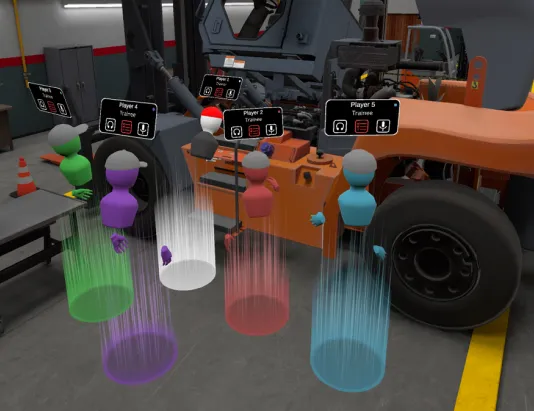
Train Together in One Session
An extension of the Core SDK that puts trainers and trainees in the same virtual session, so crews practice together and trainers can guide in real time.
- Built on Photon Cloud infrastructure
- Persistent save states on Amazon Web Services
- Voice communication between participants
- Asymmetric roles, so each person gets the right interactions
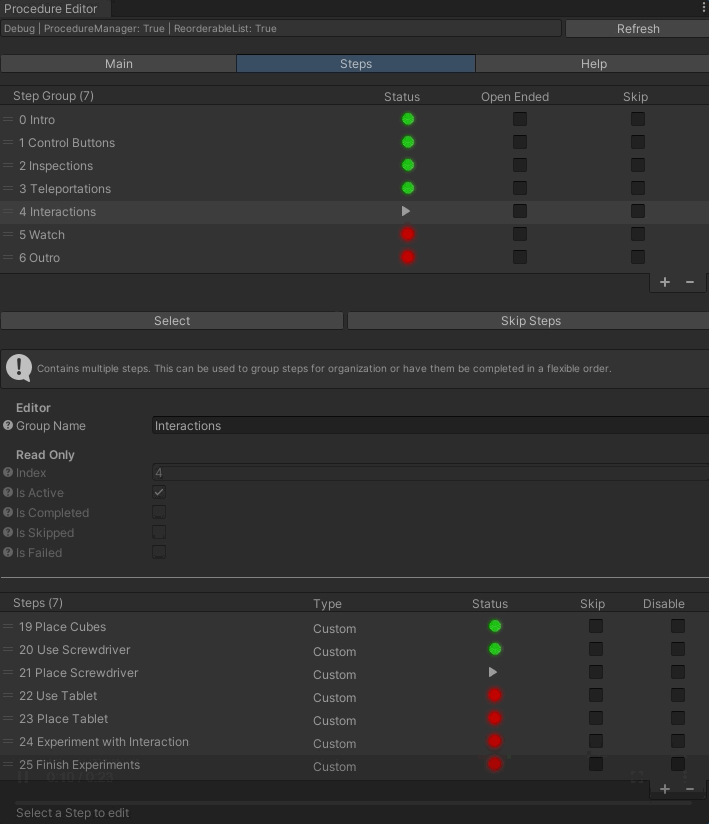
Real Procedures, Step by Step
Turns real-world procedures into step-by-step VR training that is stable, scalable and easy to configure.
- Linear and non-linear procedures
- Narration with text-to-speech
- Every step synced with analytics
- Pre-built buttons, cranks, dials, levers and sliders
- Two-handed manipulation and pop-up visual aids
A Control Panel on the Wrist
A virtual wristwatch gives trainees an interactive panel for managing the session, without leaving the task in front of them.
- Participants, plus current and upcoming steps
- Subtitles and voiceovers
- Assistance requests to the trainer
- Document access and video feeds

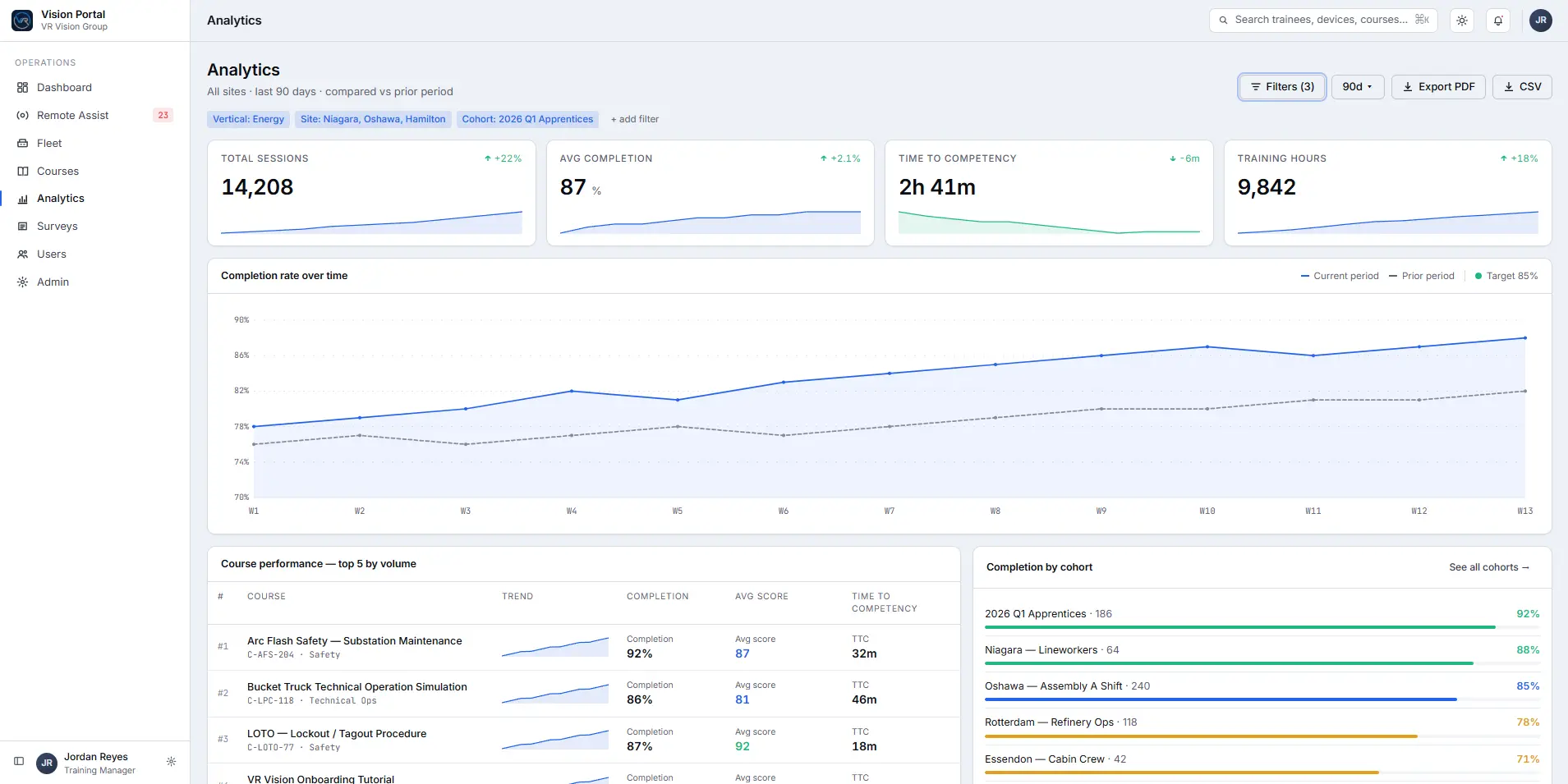
Performance Data From Every Session
Collects performance data from each session and stores it in the cloud, ready for reporting on how your training program is working.
- Cloud data collection and storage
- LMS reporting via SCORM 1.2, SCORM 2004 and xAPI
- Works with enterprise LMS platforms such as Cornerstone, configured on request
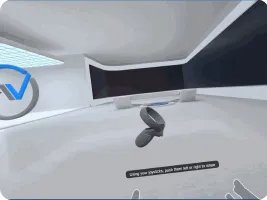
Teleportation
Comfortable movement across large virtual sites.
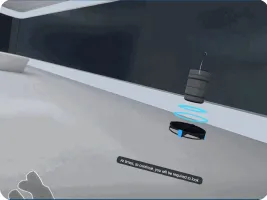
Subtitles
Text support for narration and dialogue.
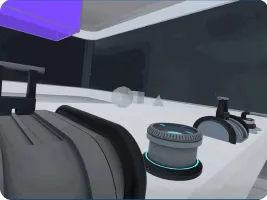
Inspections
Standard tools for visual inspection tasks.
Interaction context
On-object cues that show what can be used.
From Sign-In to Live Session
The SDK's in-VR menu system gets trainees into the right course quickly and securely.

Sign in
SSO, company ID or LMS credentials, with multi-factor authentication.
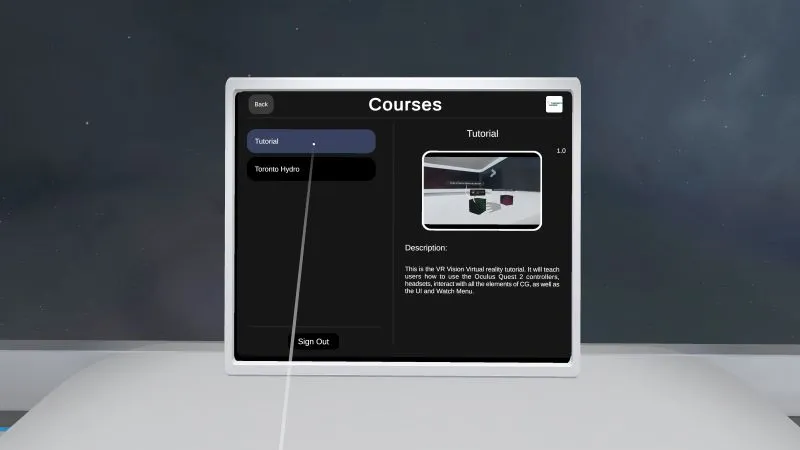
Select a course
All available or assigned courses, each with a preview, version and description.

Choose a mode
Single player, guided multiplayer or evaluation mode, among others.

Join a live session
Trainers and trainees join real-time, persistent multiplayer sessions.
Ready for Your IT Review
The details security and IT teams ask for, answered up front.
Working through a security questionnaire or RFP? Book a call to walk your IT team through the details.
Book a callWant Your IT Team to See It First?
Book a 30-minute demo and see sign-in, multiplayer, analytics and LMS reporting in action.
Vision SDK, Answered
What is Vision SDK?
Vision SDK is VR Vision's in-house software development kit for enterprise VR training. Built on OpenXR, it provides the shared foundation VR Vision's modules run on, including sign-in, menus, procedures, interactions, multiplayer, analytics and LMS reporting.
Which VR headsets does Vision SDK support?
Vision SDK is built on the OpenXR standard, so modules can run on Meta Quest, PICO and PC VR headsets. The current recommended standalone headsets are Meta Quest 3S and PICO 4 Enterprise.
Does Vision SDK support single sign-on and MFA?
Yes. Trainees can sign in inside VR with SSO through Azure, Okta, Google or WorkOS, or with a company ID or LMS credentials, and multi-factor authentication is supported.
Can VR training built on Vision SDK report to our LMS?
Yes. Completions can be reported through SCORM 1.2, SCORM 2004 or xAPI. LMS integration is configured per client on request, including enterprise platforms such as Cornerstone.
Does Vision SDK support multiplayer training?
Yes. The Multiplayer SDK extends the Core SDK with real-time sessions built on Photon Cloud, persistent save states on Amazon Web Services, voice communication and asymmetric roles for trainers and trainees.
How is VR training data secured?
VR Vision follows ISO 27001 practices. Data is encrypted in transit and at rest, Vision Portal is hosted on AWS with the hosting region chosen by the client, and only session data is stored by default, with no personal data.
Training programs built on Vision SDK
Every VR Vision module, including these programs, runs on Vision SDK.
More of What Powers VR Vision Training
Vision Portal
The cloud platform to deploy, monitor and analyze VR training.
Learn moreDigital Twins
Exact virtual replicas of your equipment and sites for hands-on practice.
Learn more360 Video Production
Stereoscopic capture of your real sites, turned into VR training.
Learn moreInteraction Design
Natural, intuitive interactions inside every virtual environment.
Learn more