Custom VR simulations that let your crews practice dangerous, costly, or rare procedures until they’re routine. Built for your sites, integrated with your LMS, and tracked in Vision Portal.





VR training turns high-consequence procedures into repeatable, scored practice. Here is what that changes for your operation.
Rehearse lockout, arc-flash, and confined-space work with zero exposure.
Run unlimited reps on demand to shorten time-to-competency.
Every learner gets the same procedure, scored the same way.
Replace travel, venues, and consumables with headsets.

Real footage of your people and facilities with branching decisions, hotspots, and knowledge checks. Fast to produce and instantly familiar to crews.
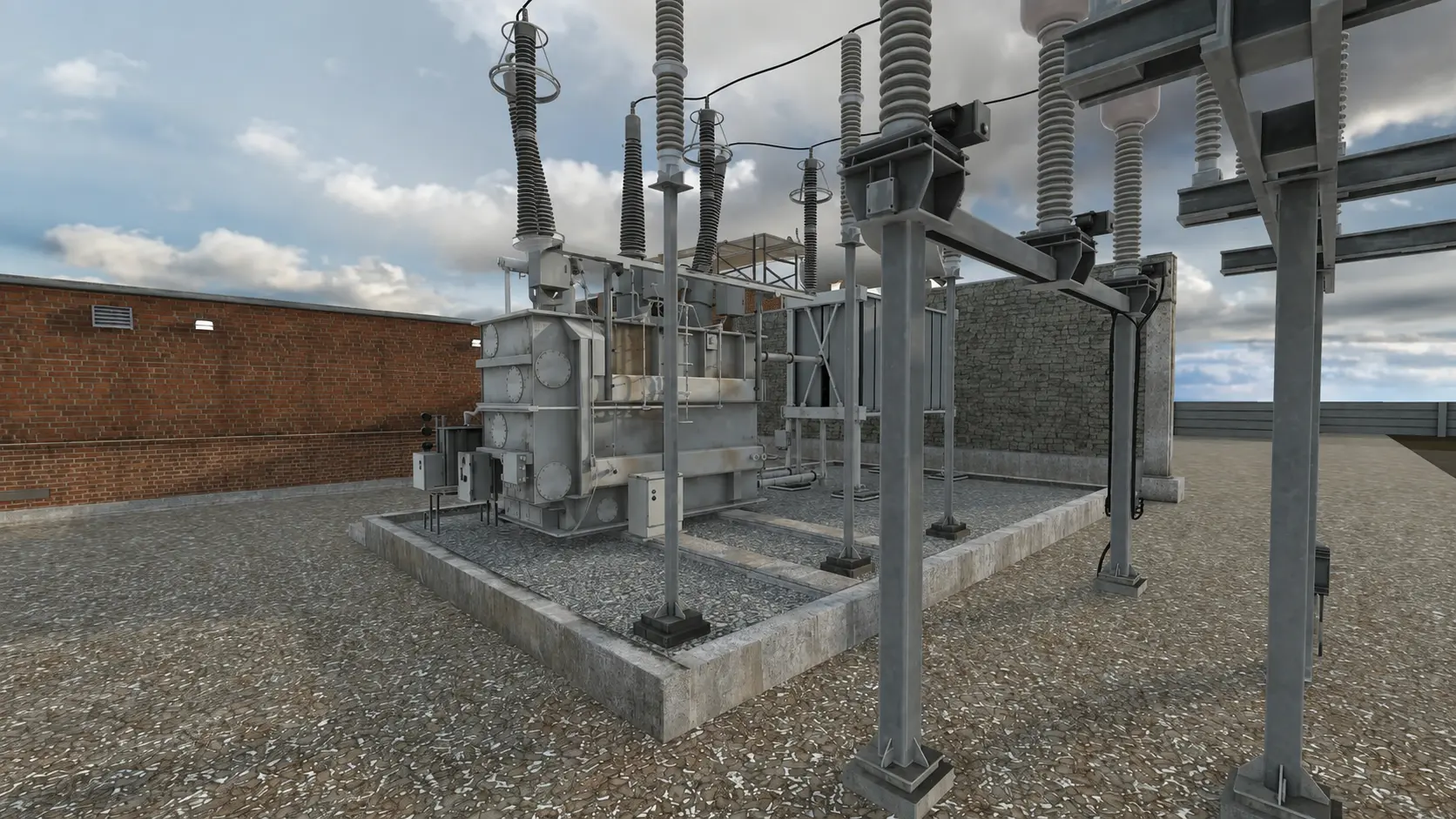
Fully interactive digital twins of your equipment. Learners pick up tools, follow each step, and see the consequences of a mistake without the cost of one.
Our vision is to provide a learning environment that resonates with current and future generations of technicians.
Toyota rolled out hundreds of Meta for Work headsets to dealers across the US and Canada. VR Vision handled the LMS integration and device management setup, and consulted on change management to drive adoption.

One team owns the whole program, from the first scoping call to fleet management.
Your SMEs and our instructional designers map the procedure, site, and scoring criteria.
Artists and developers recreate your equipment and site in 360 video or real-time CGI.
Headsets are configured, enrolled in your MDM, and connected to your network and LMS.
Track every session, score, and headset, and sync results to your LMS.

Watch trainees live from the headset’s point of view, message a group mid-session, skip a step when someone gets stuck, and report scores by procedure and site.
Estimate the savings and payback for your own training program.
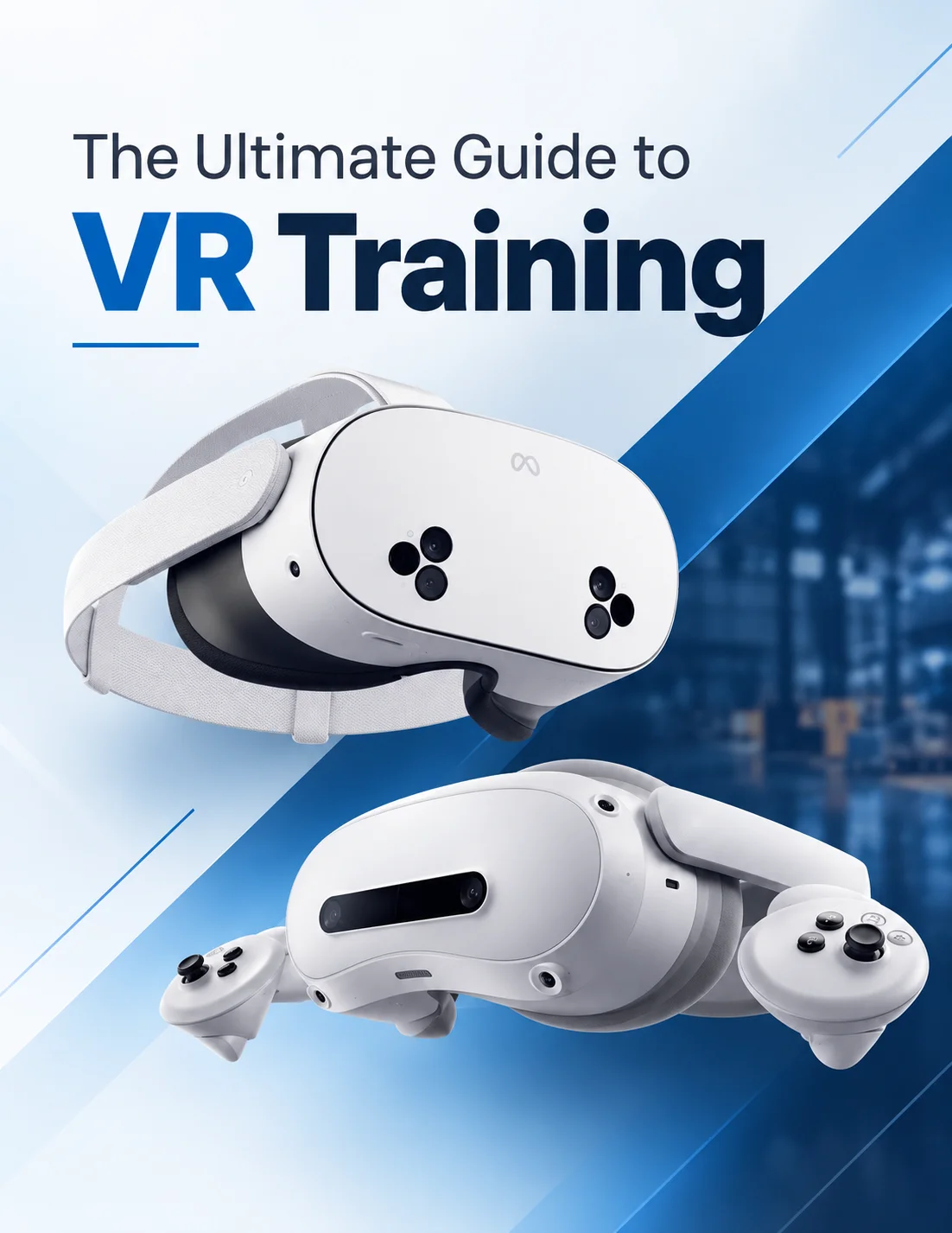
Everything L&D and safety teams need to plan VR training: content options, hardware, assessments, and rollout.
Virtual reality training simulations place employees inside a realistic, interactive replica of their work environment, so they can practice procedures, make decisions, and learn from mistakes without real-world consequences. Enterprises in utilities, energy, manufacturing, automotive, and healthcare use them to reduce costs, improve safety, and prove results.
A VR training simulation combines a headset, tracked controllers, and scenario software modelled on a specific task. Learners interact with equipment, tools, and colleagues as they would on site, while the system records every action, decision, and error for review.
VR Vision builds two kinds: interactive 360 video filmed at your facilities, and CGI simulations that recreate your equipment as a fully interactive digital twin.
Traditional training is expensive and inconsistent. Classroom lectures explain a procedure but rarely hold attention. On-the-job training exposes workers to real risk. E-learning modules cannot replicate physical tasks. Simulation lets people actually perform the work, and repetition builds the muscle memory that high-risk jobs depend on.
The strongest return comes from procedures that are dangerous, expensive to rehearse, or performed rarely: switching and lockout in utilities, turbine maintenance in energy, line changeovers in manufacturing, and diagnostics in automotive service.
Track time-to-competency, first-time pass rates, incident rates, and avoided travel and downtime. Toyota’s dealer training program, for example, saves $1.5M a year. To model your own numbers, try the VR training ROI calculator.
Single-player modules let one learner work through a procedure at their own pace, in guided, interactive, evaluation, or education modes with step-level scoring. Multiplayer sessions put several learners, and optionally an instructor, in the same virtual site for trainer-led education or persistent-state simulations of team tasks like switching orders and emergency response.
Standalone headsets are wireless with built-in processing, which makes them the easiest to scale across sites. PC-powered headsets connect to an external computer and are used for ultra high-end simulations, such as detailed vehicle training, that need more graphics power.
Yes. Vision Portal works with modern learning management systems through direct APIs, xAPI, or SCORM. Trainers can schedule VR learning, track performance, and see high-level analytics from their LMS. VR Vision has integrated with Docebo, Cornerstone, SAP SuccessFactors, Absorb, and 360Learning.
VR Vision advises on the right device for each use case, handles firmware updates, labelling, and initial configuration, and works with your IT team on networking and site whitelisting. Courses and updates are pushed through an MDM such as ArborXR or ManageXR.
Trainers can manage groups of people in VR at the same time, track progress in real time, send messages, watch a live feed from the headset’s point of view, skip steps if a trainee gets stuck, and review detailed analytics afterwards.
See a simulation from your industry and talk through what your first module could look like.